Payble
Payble is an online payment option to help you manage your rates. You can choose to pay your rates in smaller, more frequent payments and never forget a payment again. It’s free, easy to set up and you can check your balance at any time. Plus if your circumstances change, you can login and adjust how often you pay.
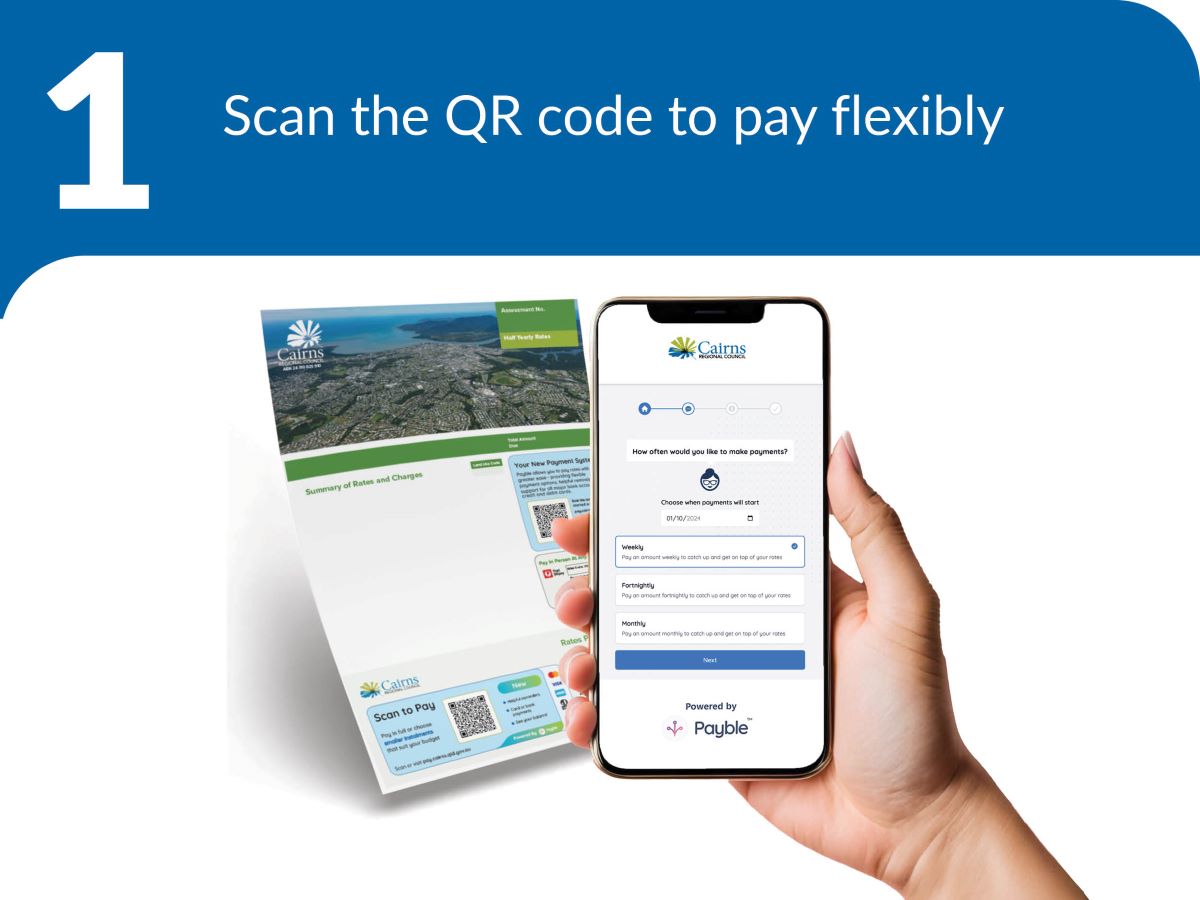
1. Scan the QR code on your rates notice to pay flexibly.
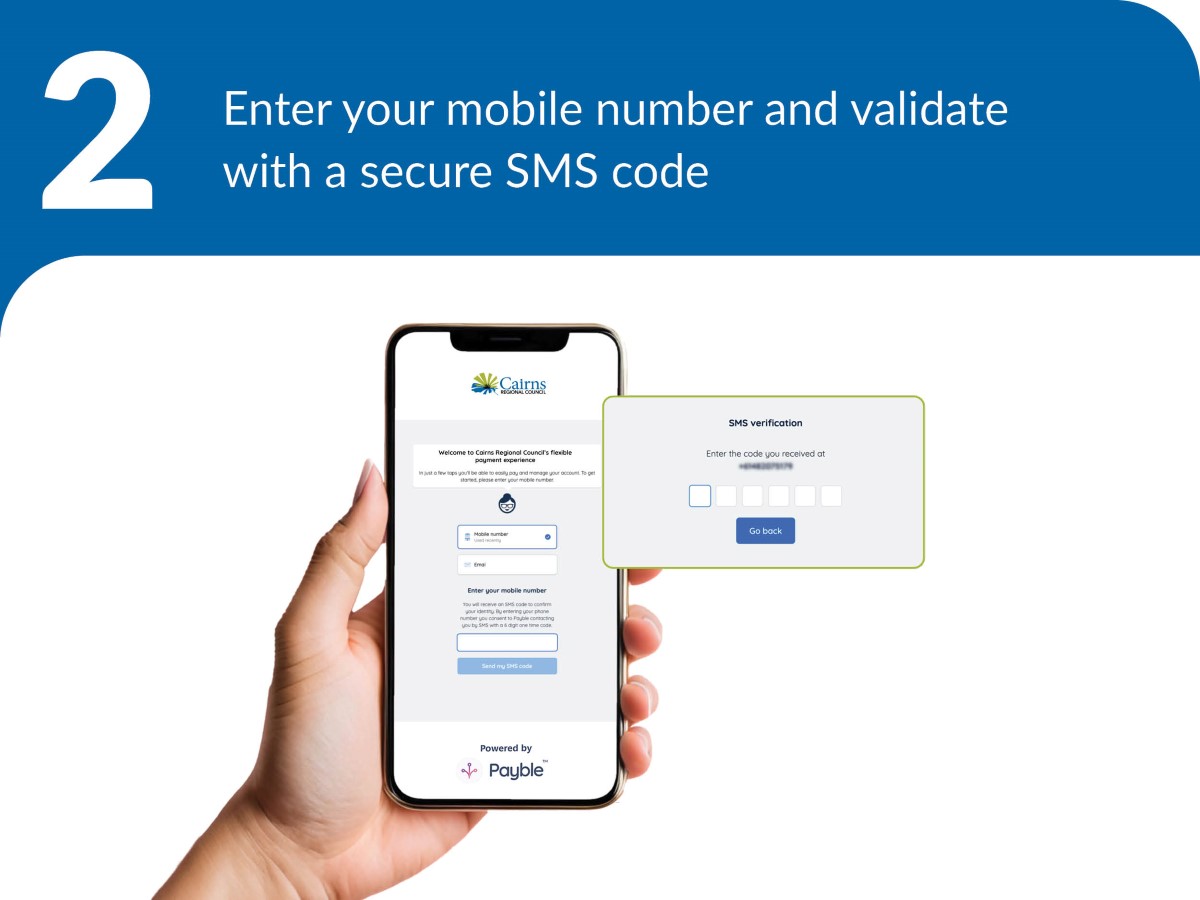
2. Enter your mobile number and validate with a secure SMS code.
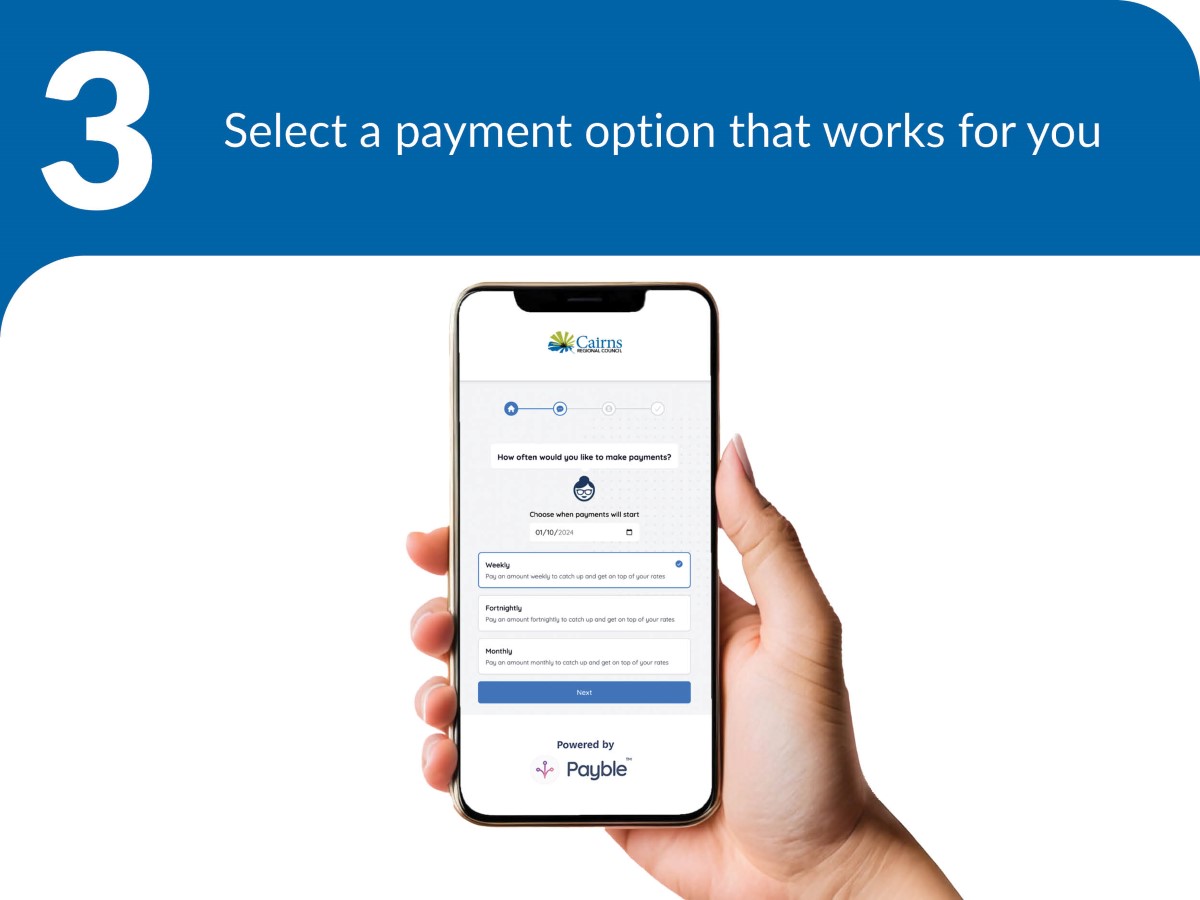
3. Select a payment option that works for you.
Payment options
Payble lets you choose how and when you pay.
- Make a one-off payment
- Autopay - pay in full. Set up an automatic payment of your current and future notices in full on the due date.
- Flexible payments by due date and get ahead - set up a direct debit to make weekly, fortnightly or monthly payments in advance of the due date. Schedule regular payments to get ahead of your next notice.
- Payment plan (interest applies) - make weekly, fortnightly, or monthly payments over the current rating period. Please note interest applies to overdue amounts.
- Request an extended payment plan (interest applies) - submit a request for weekly, fortnightly, or monthly payments that suit your budget to be considered by Council. Please note interest applies to overdue amounts.
Set up Payble
- Scan the QR code on your rates notice.
- Enter your mobile number.
- Use the six digit security code sent via SMS to log in.
- Follow the prompts in Payble to choose your payment method.
- Choose your credit card, debit card or bank account.
- Before your next payment, you’ll receive an SMS reminder so you can check that you have enough funds in your account.
- The payment is processed automatically on the date you scheduled.
You can also visit the Payble website and follow the prompts. Have your assessment number handy.
After you set up Payble
- You will get a SMS reminder before each payment is deducted.
- You can check the balance owing at any time.
- When you receive your rates notice for the next year, a new payment plan will be calculated automatically.
Changing your payment method or schedule
To make changes to your payment schedule or account, simply scan the QR code on your rates or water notice, or visit the Payble website and use your mobile phone number to log in.
- Click your account icon to view existing payment plans. Add the new card or bank account and then remove the old account or card.
- To change an account, select the account, choose the relevant item from the Options menu and follow the prompts.
- To skip a payment, select your payment plan and choose “Skip Next Payment” from the Options menu. Payble will automatically adjust the payment schedule based on the balance owing.
You will receive SMS confirmation of any changes made to your account.
Last Updated: 22 January 2026
Latest News > All News

2027 Australia Day Awards nominations open
Every year, Cairns Regional Council recognises how important it is to acknowledge the people around you who are making a...
22 October 2026

Young innovators lead the way on sustainability
Cairns' next generation of environmental leaders have presented innovative sustainability projects directly to Councillors, showcasing practical solutions to challenges ranging...
20 October 2026
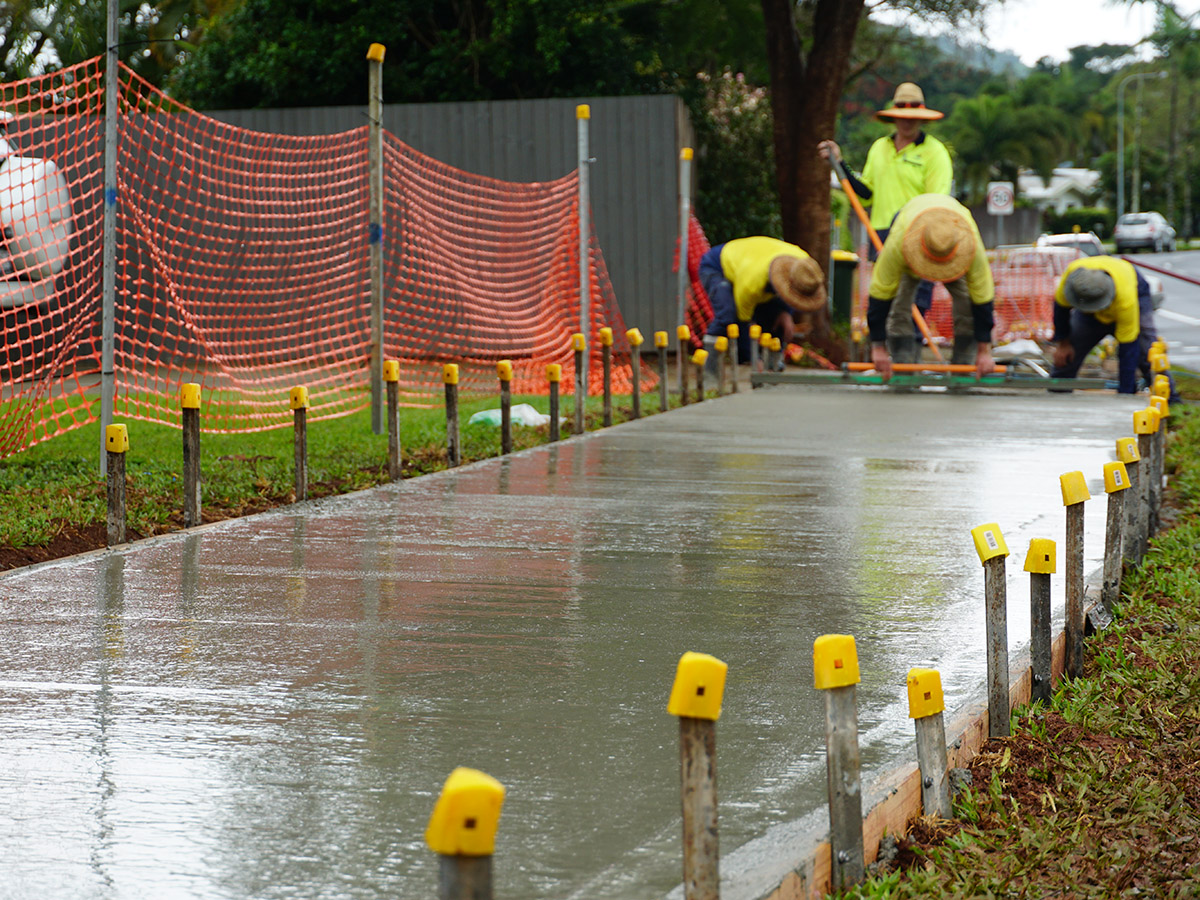
Getting active around Cairns
Active travel includes cycling and walking, and any transport that relies on human-power. Pedestrian walking paths and community footpaths provide...
15 October 2026