Pay your water
There are many easy ways to pay your water usage notice.

Online payments - Payble
Payble is Council's secure, online payment platform.
Pay your water usage notices and rates quickly and easily online by setting up and managing your own payment schedules. Payments can be made from a bank account, debit or credit card.
To get started, simply scan the unique QR code on your rates notice or visit our Payble site.
Note: You will need a current and active mobile phone number to use the Payble service.
Other payment methods
Payble is a convenient option to help you manage your water usage and rates payments. You can choose to pay in smaller, more frequent amounts and never forget a payment again. It’s free, easy to set up and you can check your balance at any time.
How to set up a Direct Debit in Payble
- Scan the QR code on your water usage notice.
- Enter your mobile number.
- Use the six digit security code sent via SMS to log in.
- Follow the prompts in Payble to choose how to pay:
- Make a one-off payment
- Autopay - pay in full. Set up an automatic payment of your current and future notices in full on the due date.
- Pay in regular instalments by due date and get ahead. Set up a direct debit to make weekly, fortnightly or monthly payments in advance of the due date. Schedule regular payments to get ahead of your next notice.
- Pay over the current rating period (interest applies). Set up a direct debit to make weekly, fortnightly or monthly payments to pay existing arrears. Once the arrears are fully paid, you can also schedule regular payments to get ahead of your next notice.
- Choose your credit card, debit card or bank account.
- Before your next payment, you’ll receive an SMS reminder so you can check that you have enough funds in your account.
- The payment is processed automatically on the date you scheduled.
You can pay in person at Council's Spence Street Customer Service Centre, 119-145 Spence Street, Cairns.
- Our Centre is open 8:30am to 4:30pm Monday to Friday (closed on public holidays).
- We accept cash, cheque, EFTPOS, Visa, Mastercard, American Express or money order. Change will not be given on cheques or money orders.
Mail the bottom section of your water usage notice with a cheque or money order to:
Cairns Regional Council
PO Box 359
Cairns, QLD 4870
Note: Please make payment a minimum of 2-3 days before the due date and allow time for mail delivery.
BPAY is a payment option available through your own internet or mobile banking facility or by phoning your bank. Contact your bank or financial institution to make a payment from your nominated account.
Biller Code: 51722
Reference Number: Property Assessment number
Opt-in to BPAY View for Rates notices
Online banking customers can opt in for BPAY View - a secure, paper-free way to receive and manage bills that avoids the risk of postal delays. Your bank will notify you as soon as a water usage notice is there to be viewed, and you will also get payment reminders.
To opt-in for this service, you need to be registered for internet banking with your financial institution. Use your unique BPAY Reference Number (this can be found on a previous water usage notice) to add Cairns Regional Council to your BPAY View biller list. Note: the BPAY View registration process varies from bank to bank. Contact your financial institution directly if you need help registering for BPAY View.
Call 1300 276 468* (or +61 1300 351 559** from outside Australia) anytime to pay with a Visa, MasterCard & American Express.
Biller Code: 51722
Reference Number: Property Assessment number
*Calls within Australia are charged at local call costs with higher rates from mobile and public phones
**International calls are charged at the applicable rate
You can pay in person at more than 3,200 Australia Post outlets, over the counter or via their self-service terminals.
You can pay by phone 13 18 16* and quote your Billpay code and reference number on the front of the Rates Notice (Visa and MasterCard accepted)
*Mobile phone calls will be charged at mobile phone rates
Pay online at the Australia Post website. Enter the Billpay code and reference number on the front of the Rates Notice. Visa and MasterCard accepted.
Paperless notices
It's easy and convenient to opt-in to receive your Water usage and Rates notices direct to your email inbox. You can then download, save, print or just leave the notices in your inbox to access and pay on the go.
This is an opt in service for both Water usage and Rates notices, which are issued at the normal times. If you do not opt in, you will continue to receive paper notices by post.
Refund or transfer
Refunds and transfers can only be facilitated where the account is in credit or the monies were not intended for payment to Council eg incorrect biller code.
To request a refund of a water or rates payment made via Council’s online facility:
- complete our online Rates and Water Refund/Transfer request form, or
- download, print and submit the Rates and Water Refund/Transfer form ( PDF, 0.19 MB ).
Forms must be submitted by close of business Thursday to ensure processing for the following Wednesday.
Last Updated: 16 May 2026
Latest News > All News

Targa to return to the Tropical North
Motorsport fans can mark their calendars, with Targa Great Barrier Reef set to return to Tropical North Queensland from 3-5...
23 November 2026
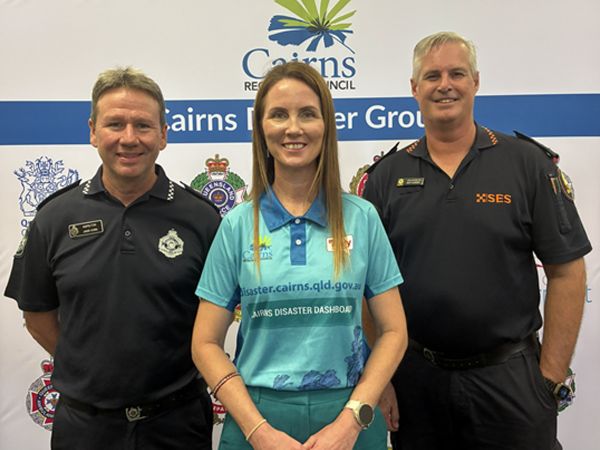
Operation Noah puts Cairns disaster response to the test
The exercise involved more than 120 participants and simulated a severe tropical cyclone crossing the coast near Cairns....
20 November 2026
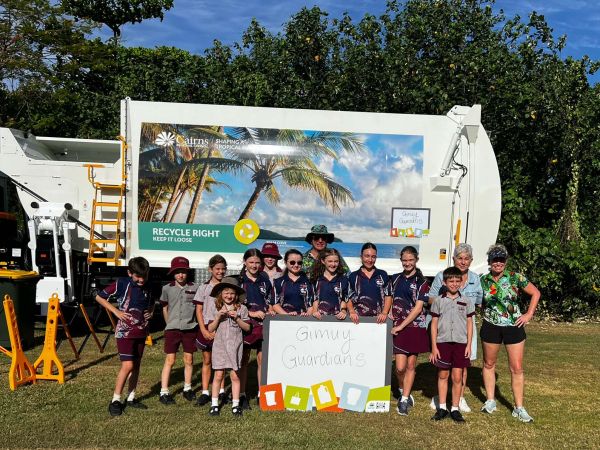
Meet the trucks draws crowds
Families enjoyed the chance to climb aboard waste collection vehicles and learn more about Council's waste and recycling services at...
18 November 2026